NamLauncher identity in MinecraftThe NamLauncher mark appears above the player in the world.
 NamLauncher
Stable
NamLauncher
Stable
Keep every Minecraft setup separate. Pick a version, choose a loader, add mods, and play without moving folders by hand.
Downloads
Online now
Current stable
Actual launcher screens
These real NamLauncher 1.3.13 screens show the in-game identity, home, library, instance, and settings views.
Why NamLauncher
No single checkbox makes a launcher special. NamLauncher connects setup, content, launch, in-game identity, updates, and support around the same instance.

Its files, mods, worlds, servers, screenshots, logs, Java runtime, memory limit, and playtime stay together.

Switch the source, compare compatible files, and install into the current instance without rebuilding the setup.

Supported companions add the launcher mark to nametags, the tab list, and chat, plus a local /namlauncher player list.
What you can do
Choose Vanilla, Fabric, Forge, NeoForge, or Quilt. NamLauncher matches the Java runtime to the Minecraft version before the instance starts.
 Vanilla
 Fabric
 Forge
Forge
 NeoForge
 Quilt
Quilt
Search Modrinth or CurseForge, filter by game version and loader, then install into the selected instance.
Use your Microsoft account for online play, or keep a local profile for offline worlds and testing.
Mods, worlds, settings, screenshots, logs, Java, memory, and playtime stay with the instance they belong to.
Link Discord once and show the current instance or server in Rich Presence when you choose to enable it.
Import and preview a skin in 3D, save presets, and apply it to the profile you selected.
 Browse community skins from NameMC
A fair comparison
The notes below use each project's own feature pages. They describe focus and workflow, not a winner.
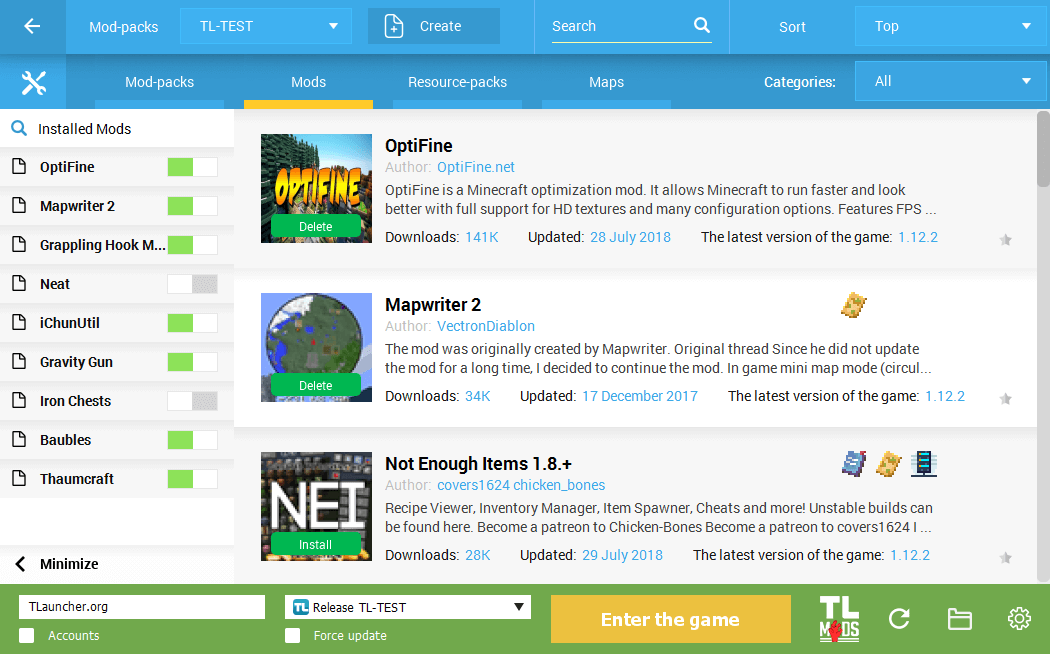
TLauncher already supports modpacks, dependency installs, manual files, and backups. NamLauncher differs by making the full instance—Java, memory, worlds, logs, servers, and both public content providers—the center of the app.
Official feature page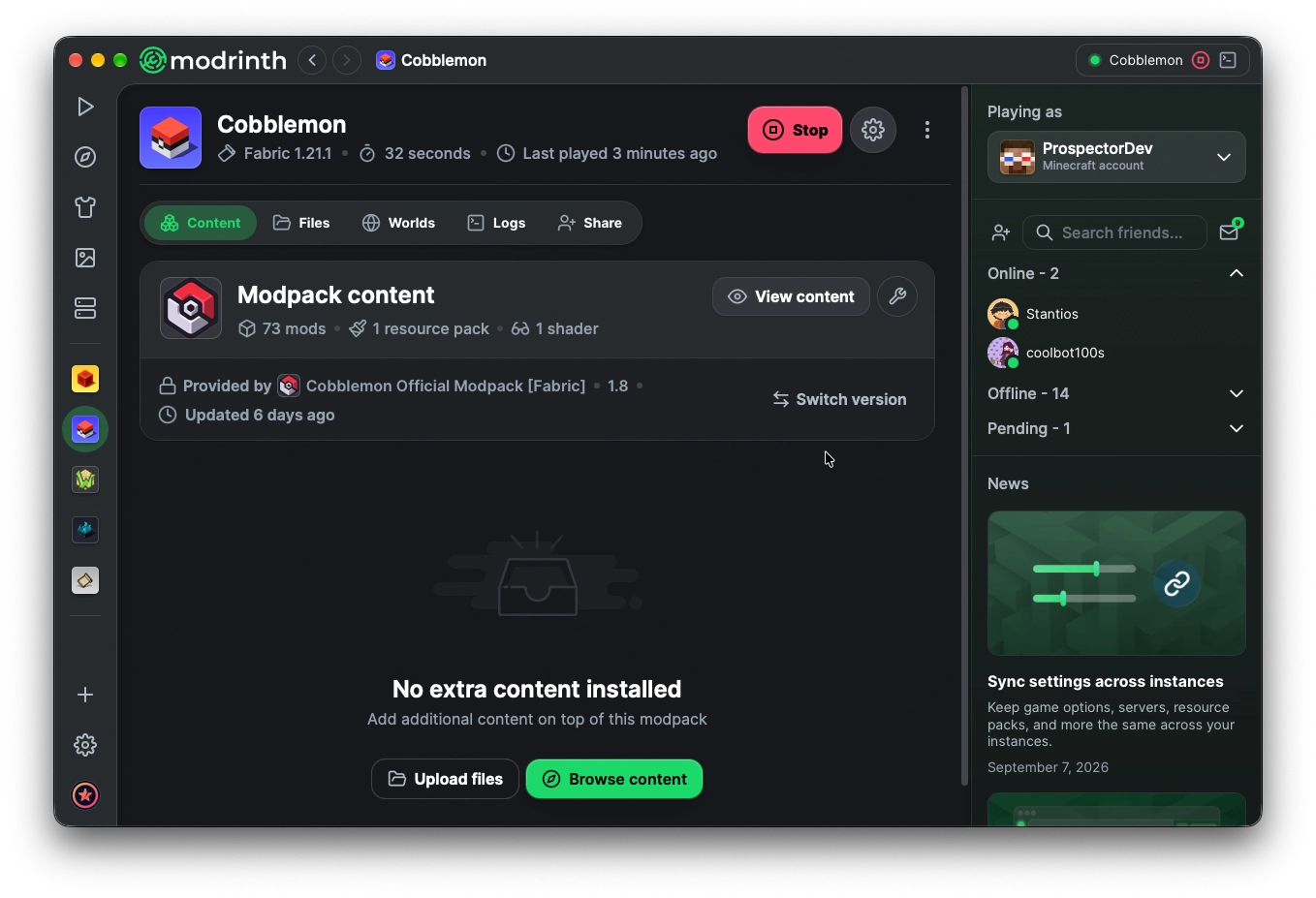
Modrinth App manages instances, updates, imports, skins, and Modrinth-hosted projects. NamLauncher adds a CurseForge choice beside Modrinth and keeps its own server, log, Java, and launcher tools in the same instance view.
Official feature page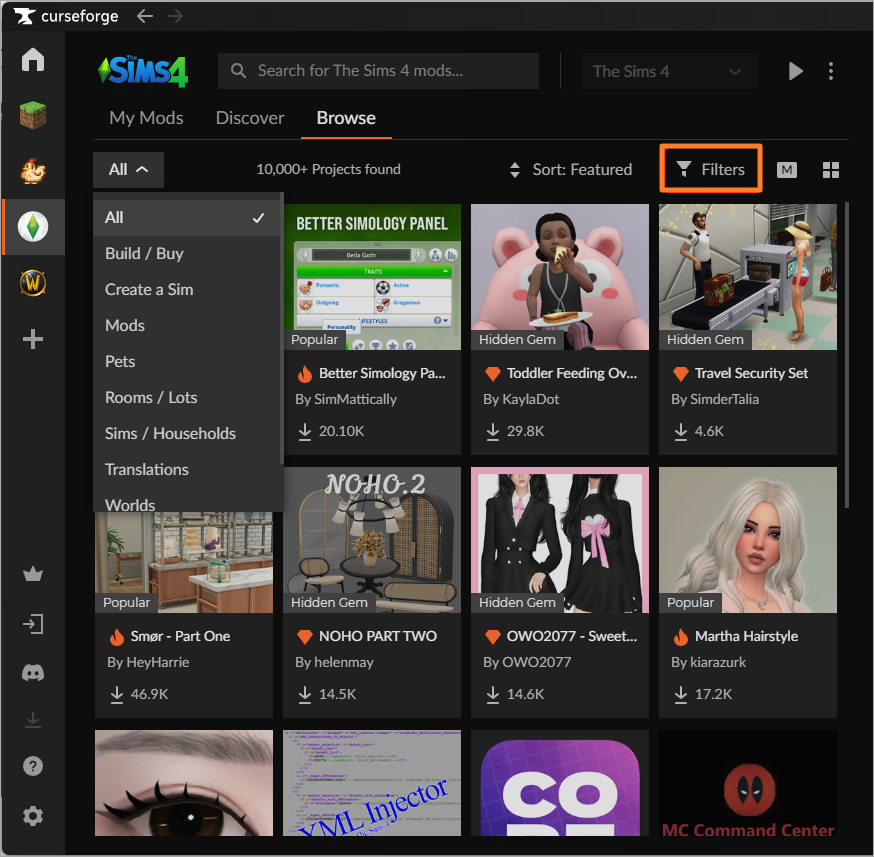
CurseForge provides profiles, loader filters, mod and modpack installs, and automatic addon updates. NamLauncher keeps CurseForge available while also letting the same instance browse Modrinth.
Official feature page
Lunar focuses on an all-in-one client, built-in performance and PvP mods, plus custom Fabric mods on supported versions. NamLauncher focuses on ordinary Vanilla, Fabric, Forge, NeoForge, and Quilt instances where you choose the content.
Official feature page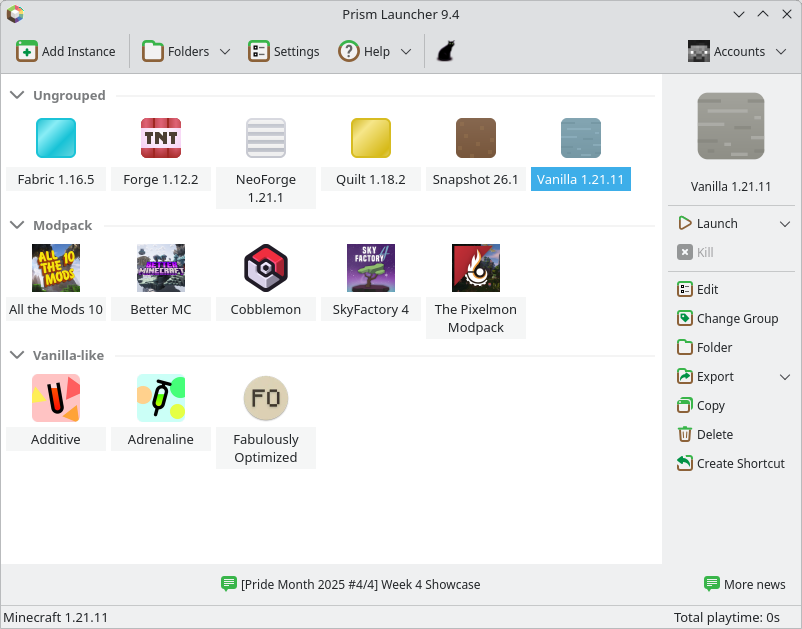
Prism already manages instances and installs from both Modrinth and CurseForge. NamLauncher's added focus is Thai-first guidance, managed in-game identity, Discord linking, guided troubleshooting, and a launcher update flow designed for its community.
Official feature page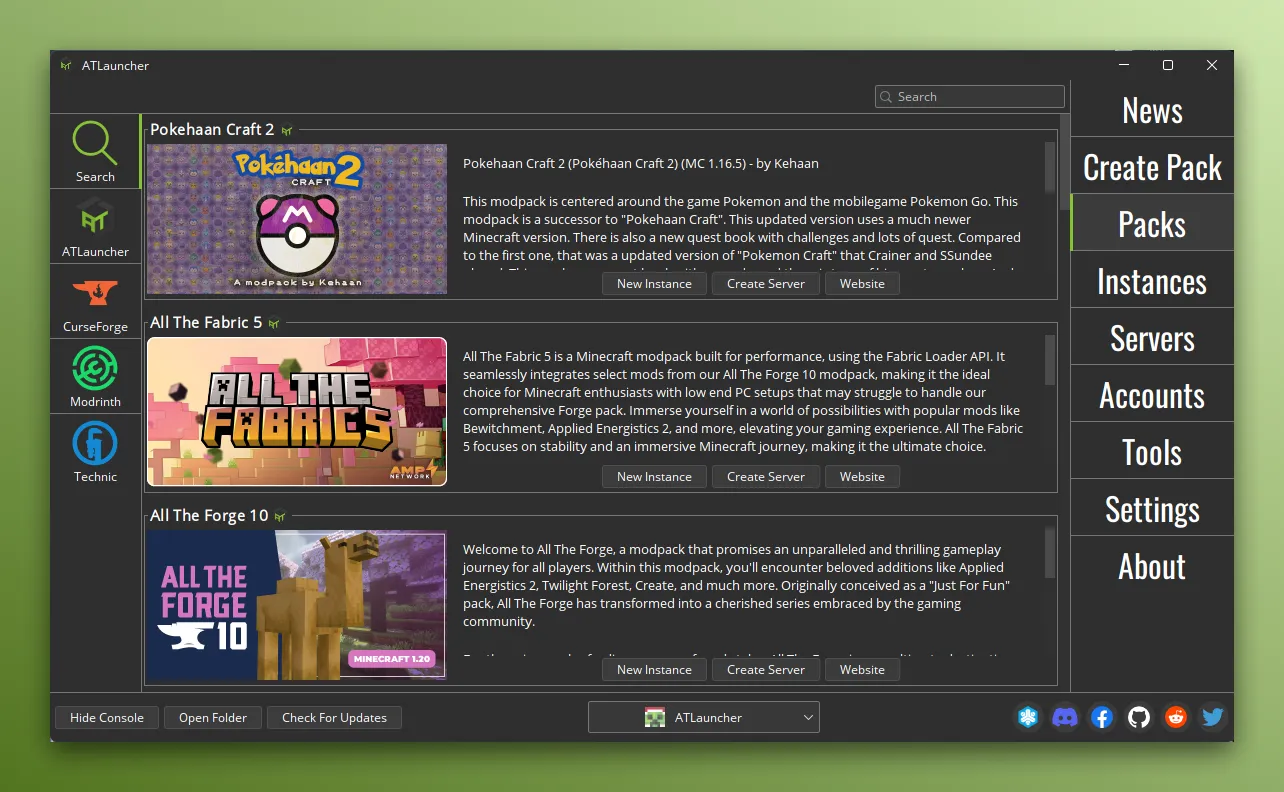
ATLauncher provides its own modpacks and can browse packs from CurseForge, Modrinth, and Technic. NamLauncher differs through Thai-first guidance, managed Java, in-game identity, Discord linking, and support tools built around its community.
Official feature pageChecked against official public pages on 12 September 2026. Features may change. Product names, screenshots, and trademarks belong to their respective owners; no endorsement is implied.
Release notes
Each entry lists the features and fixes shipped in that version, with a link to the matching source changes when available.
Server partners
play.minisand.online
A NamLauncher partner server with its address ready in the launcher.
Visit server
Partner server
TeddyBlock
Server address
play.tdblock.online
A NamLauncher partner server available from the launcher server list.
Visit server
Partner server
MoonLightMC
Server address
play.moonlightmc.online
A NamLauncher partner server included in the launcher server list.
Visit server
Windows 1.3.19 stable · Linux 1.3.19 stable · macOS 1.3.10 build
Choose the NamLauncher 1.3.19 build for your platform. Windows builds are not code-signed yet, so verify SHA-256 before opening them. The macOS 1.3.10 community DMG is also unsigned and requires per-app Gatekeeper approval.
Read installation guide